


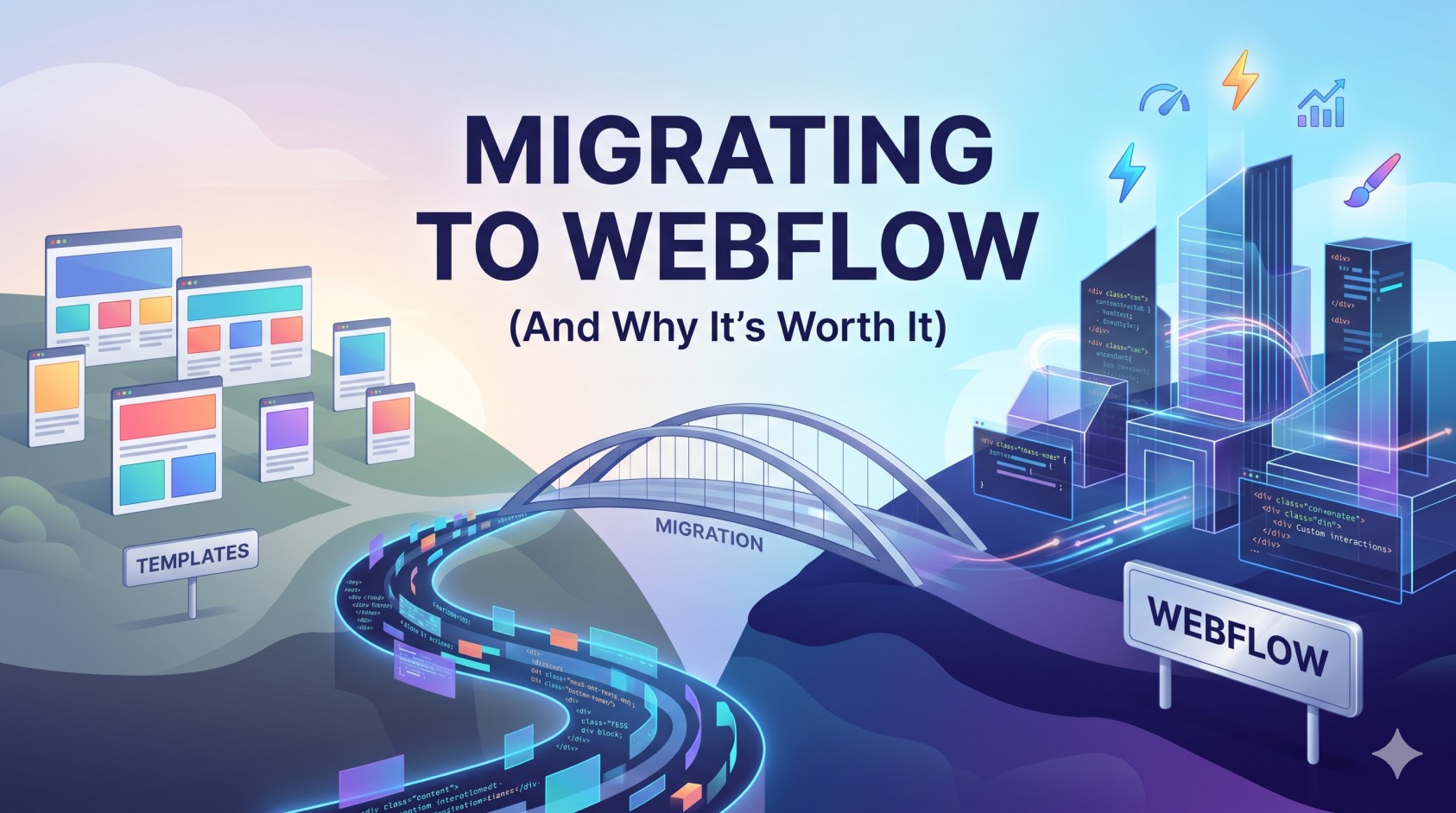
Still on Squarespace or Wix? Here's everything you need to know about migrating to Webflow — and why it could be the best decision you make for your website this year.
Why Are So Many Businesses Switching to Webflow?
If you're running your website on Squarespace or Wix, you've probably hit a wall at some point. Maybe your site looks like every other template. Maybe your SEO results are disappointing. Maybe you've needed a specific feature and found there's simply no way to build it without a workaround.
Webflow has become the go-to platform for businesses that want full design control without sacrificing performance. And more importantly, it's the platform of choice for professional web designers who want to build websites that actually rank.
In this guide, we'll walk you through what a Webflow migration involves, what to expect, and how to make the transition as smooth as possible.
Webflow vs Squarespace vs Wix: What's the Real Difference?
All three platforms let you build a website without writing code from scratch. But that's roughly where the similarities end.
Squarespace is beautiful out of the box but extremely limited in customisation. You're working within fixed templates, and making meaningful design changes often requires CSS hacks that create technical debt over time.
Wix offers more flexibility than Squarespace but generates notoriously bloated code, which hurts Core Web Vitals scores and SEO performance. The drag-and-drop freedom comes at a cost.
Webflow gives you a visual canvas that generates clean, production-quality HTML and CSS. The result is a site that performs better, looks more distinctive, and gives your designer total creative freedom — without compromise.
What Does a Webflow Migration Actually Involve?
A full migration from Squarespace or Wix to Webflow typically involves the following steps:
1. Content Audit
Before anything is moved, we review your existing content — pages, blog posts, images, forms, and any integrations you rely on. This is also a great opportunity to identify outdated content that should be removed or improved.
2. Design & Build in Webflow
Unlike a direct export (which doesn't exist), migrating to Webflow means rebuilding your site — which is actually a good thing. It's a chance to modernise the design, fix structural issues, and implement a cleaner codebase from the start.
3. Content Migration
All your existing copy, images, and blog posts are transferred to the new site. For large blogs, we use Webflow's CMS import functionality to move content efficiently.
4. SEO Preservation
This is critical. Every existing URL is audited and 301 redirects are set up to ensure no search rankings are lost in the transition. Meta titles, descriptions, and structured data are all carried over and optimised.
5. Testing & Launch
Before going live, the site is tested across devices and browsers. Speed is benchmarked and Core Web Vitals are reviewed. Only once everything passes do we point the domain to the new site.
Will My SEO Take a Hit?
This is the question we get asked most often. The honest answer: if the migration is done incorrectly, yes — you can lose rankings. But when it's handled properly, a Webflow migration typically improves SEO performance over time.
Webflow generates cleaner code than Wix or Squarespace, which means faster load times and better Core Web Vitals. These are direct Google ranking factors. Combined with proper redirects and preserved metadata, most clients see their organic traffic grow within 3–6 months of migrating.
How Long Does It Take?
A typical migration for a small business website (5–15 pages) takes 2–4 weeks from kickoff to launch. Larger sites with extensive CMS content or complex integrations may take 6–8 weeks.
Is It Worth It?
For most businesses, yes — especially if you're planning to invest in content marketing or SEO. Webflow gives you the foundation to compete seriously in search, and the design flexibility to build a site that genuinely reflects your brand.
If you're ready to make the move, get in touch with the Three Gloves team. We handle Webflow migrations regularly and can give you a clear picture of what your specific project would involve.


